

Every kitchen
needs a CHEF.
CHEF runs the kitchen from one system: orders from every channel, the kitchen display, prep and production, hot-hold, temp logs, inventory, the time clock and today's food and labor cost. Seven keeps it running, so you don't need an IT team in the back office.
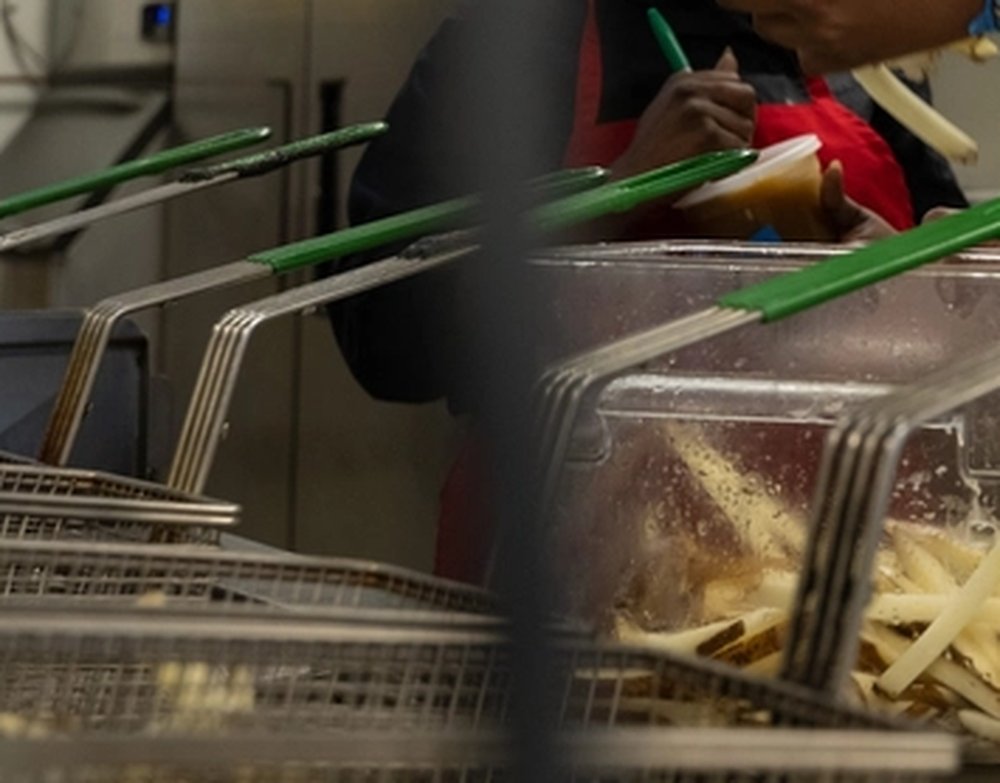
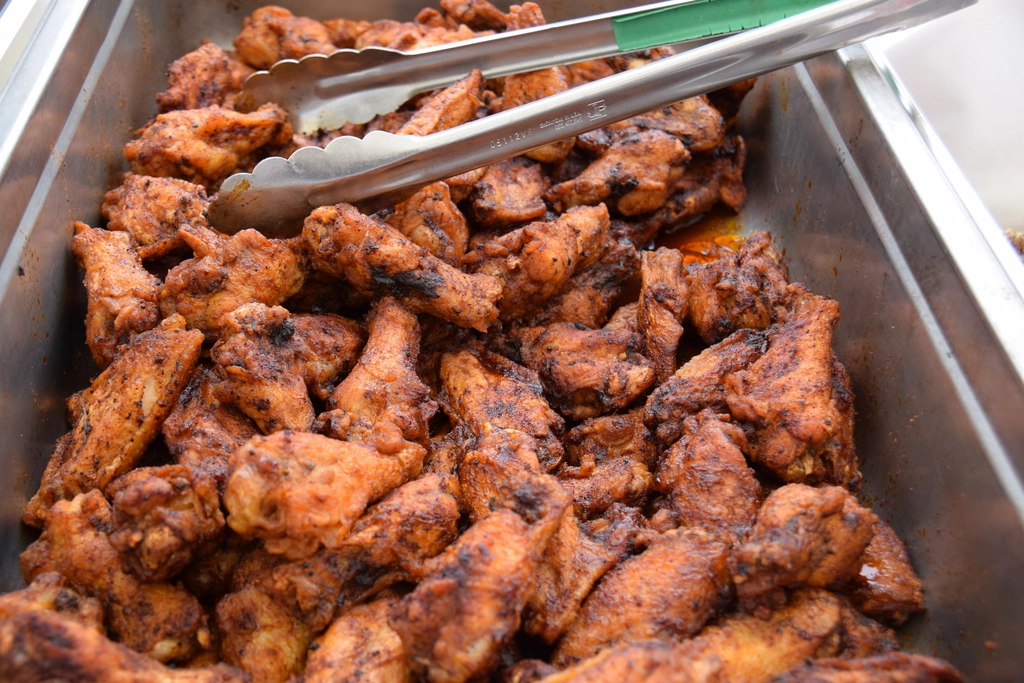
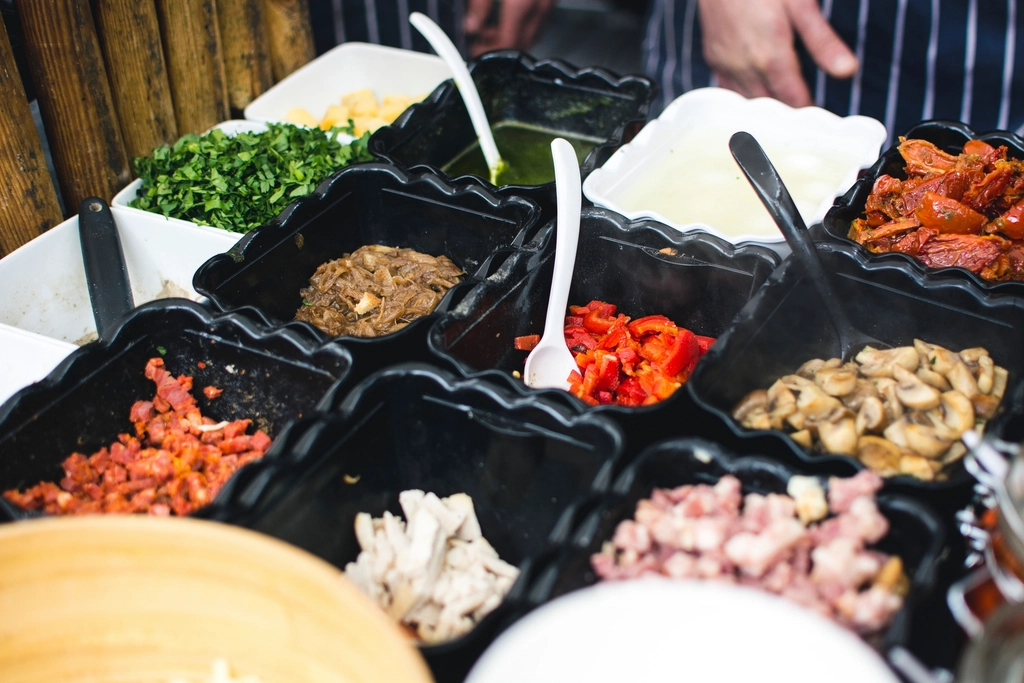
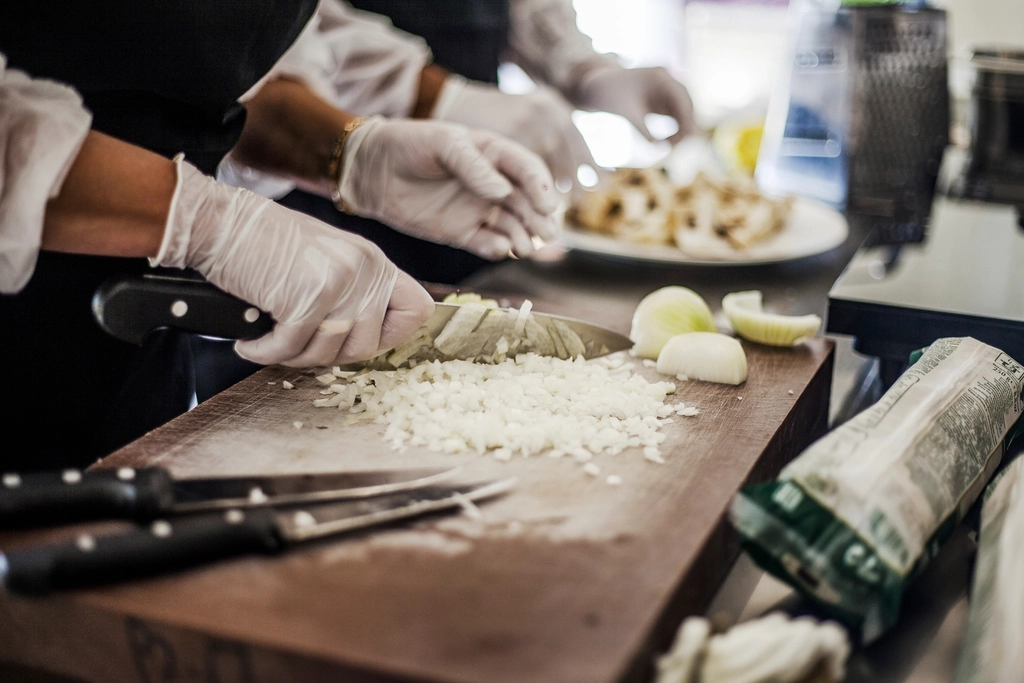
One record for the whole kitchen
Most kitchens run on Square or Toast at the register, MarketMan for inventory, Jolt for checklists and a clipboard of temp logs. They each work, but each keeps its own record. CHEF puts all of it on one record, on the kitchen's own hardware.
Orders to the pass
Online, kiosk, counter and catering tickets land on the same screen. The crew can 86 an item the moment it runs out, and a manager can void a ticket right at the station.
Temps as you go
Hot-hold, cooling, production runs and receiving all write to one food-safety log. A probe, a sensor or a tap on the screen fills it in.
Cost while it still matters
Receive by the case or from a photo of the invoice. Log waste with a reason. See plate cost and today's food and labor cost while the shift is still on.
Here's what the crew actually sees
These are CHEF's own screens, running on sample data.
The kitchen display
New, cooking, ready. Each ticket shows where it came from, whether it's paid and how long it's waited. It turns red when it runs late, and expo sees everything while each station sees its own.
More about the kitchen display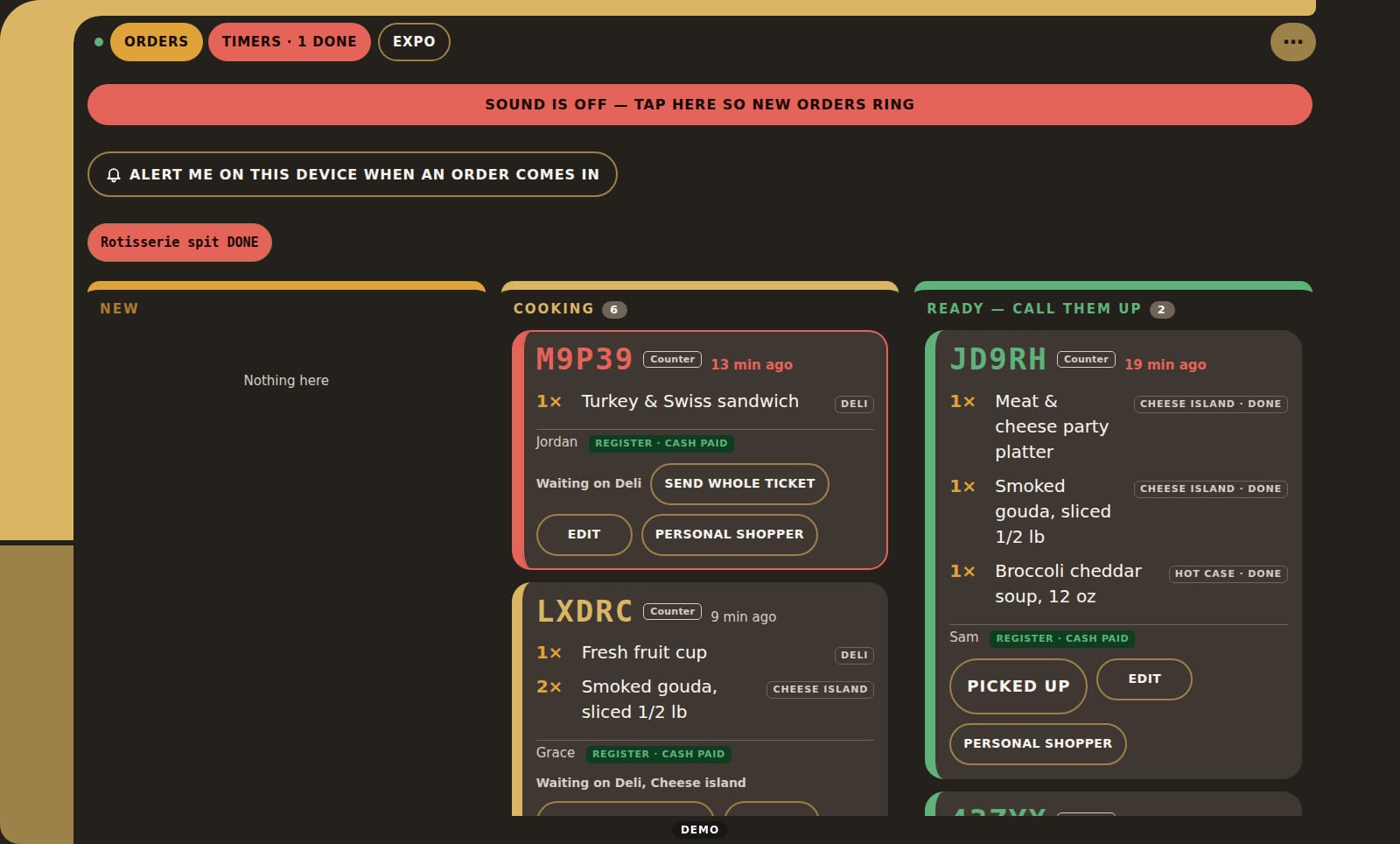
Order here, pay at the front
Guests build their order on a touch screen by the counter and take a number to the register. The ticket is already on the line while they pay, and no money ever moves on the kiosk.
More about the kiosk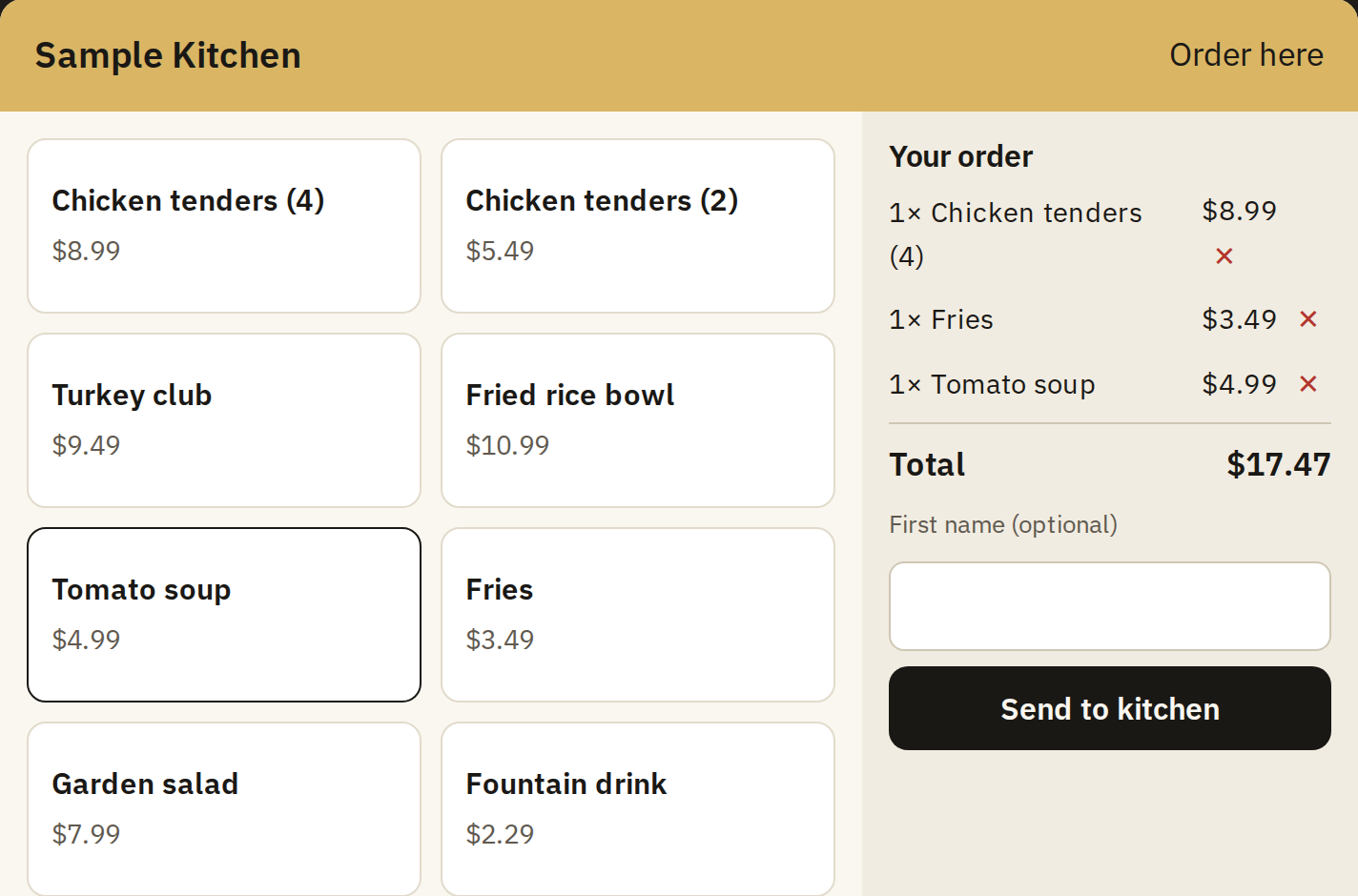
Hot-hold that counts itself
Each sale draws the batch down, so the manager's screen says "about 2 left" before the hotel pan is empty, and flags a batch that's held too long.
More about hot-hold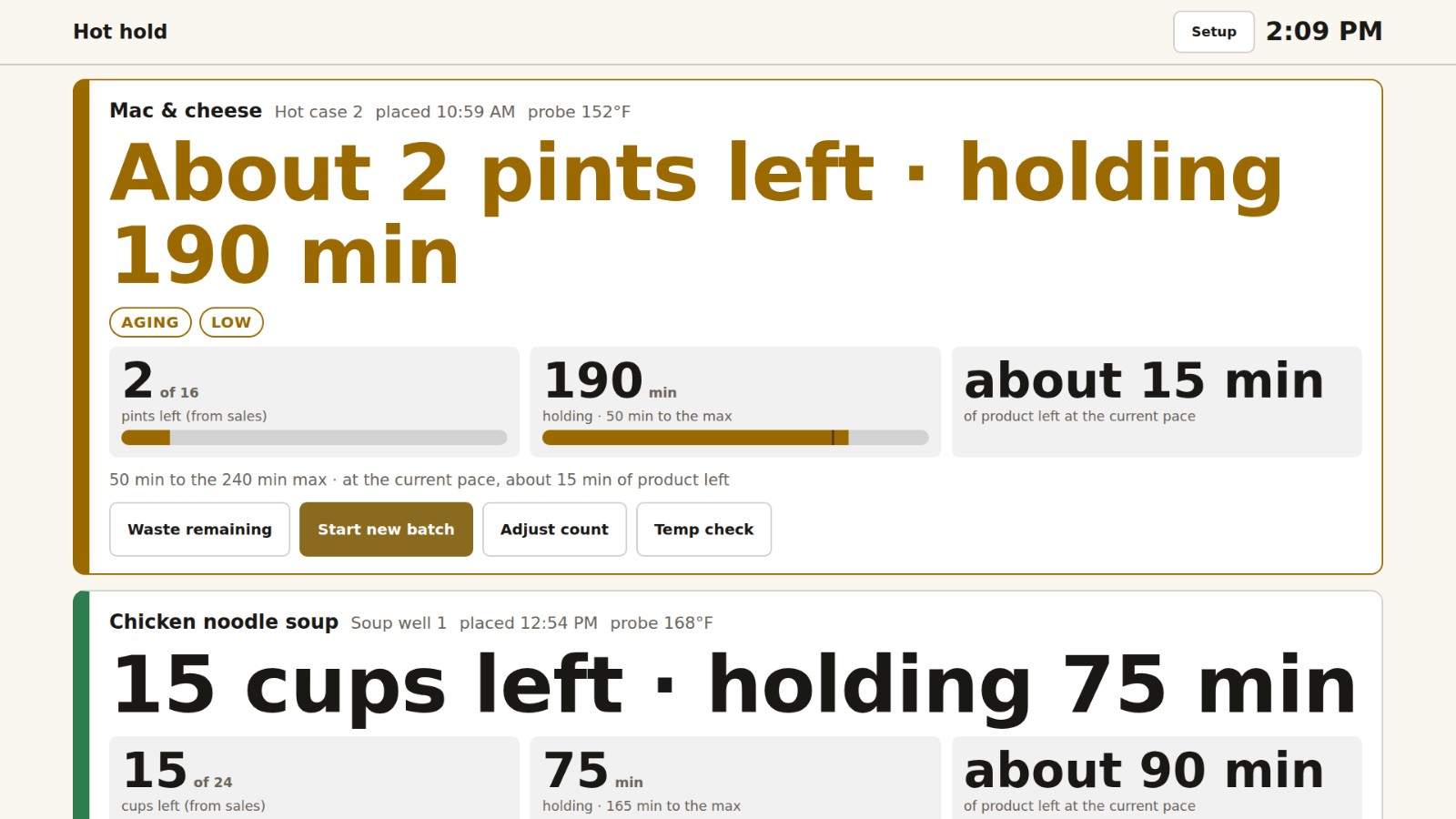
Ask CHEF
Hold the corner of any screen and ask about the shift. Answers come from the kitchen's own records, say what they're based on, and run on a model the kitchen picks.
More about Ask CHEF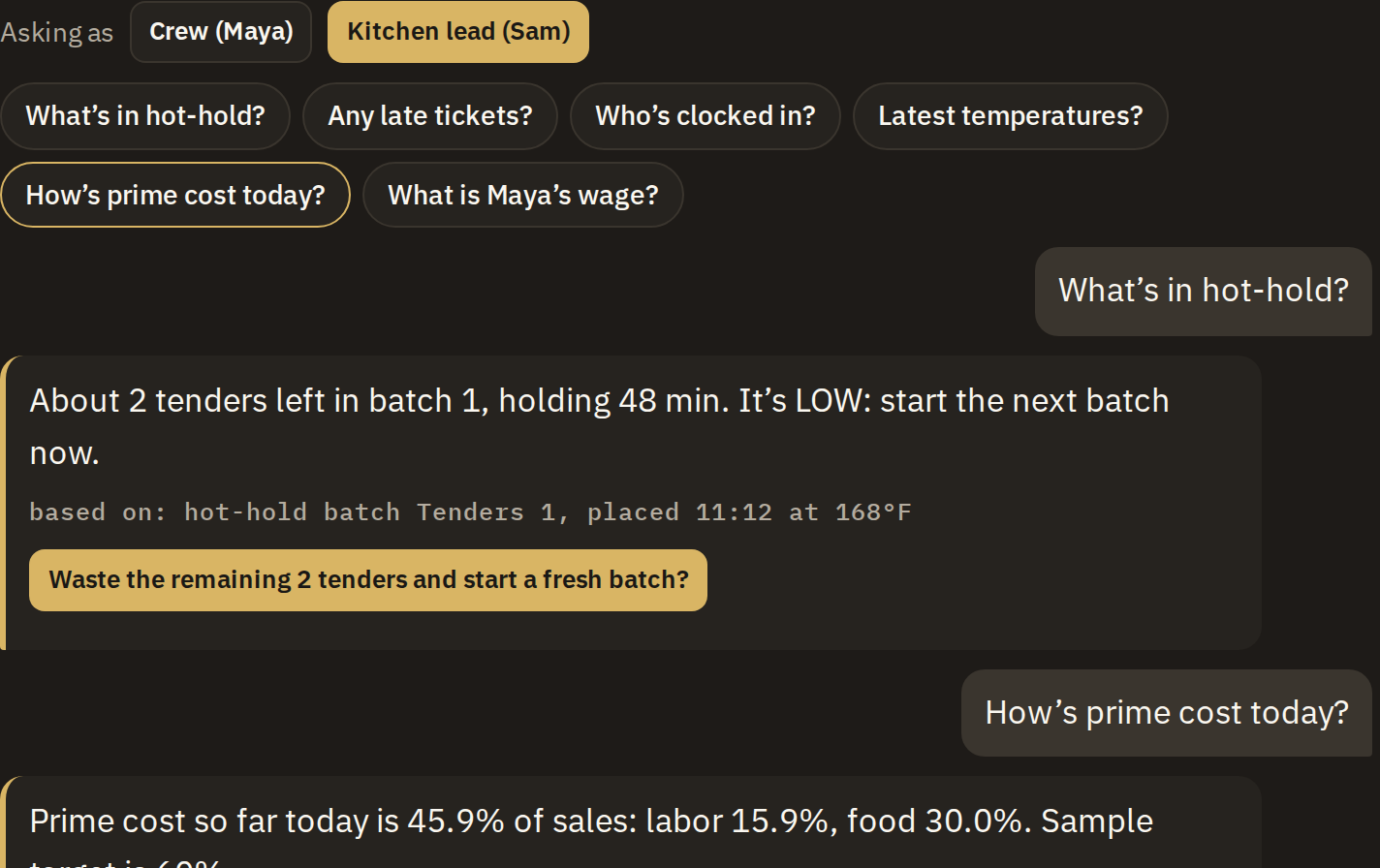
Shelf labels that answer the kitchen
A cook taps "ketchup" and the shelf label in the aisle lights up, so a runner goes straight to it. Labels show par levels, and CHEF proposes the reorder from pars and what's been used.
More about inventory and shelf labels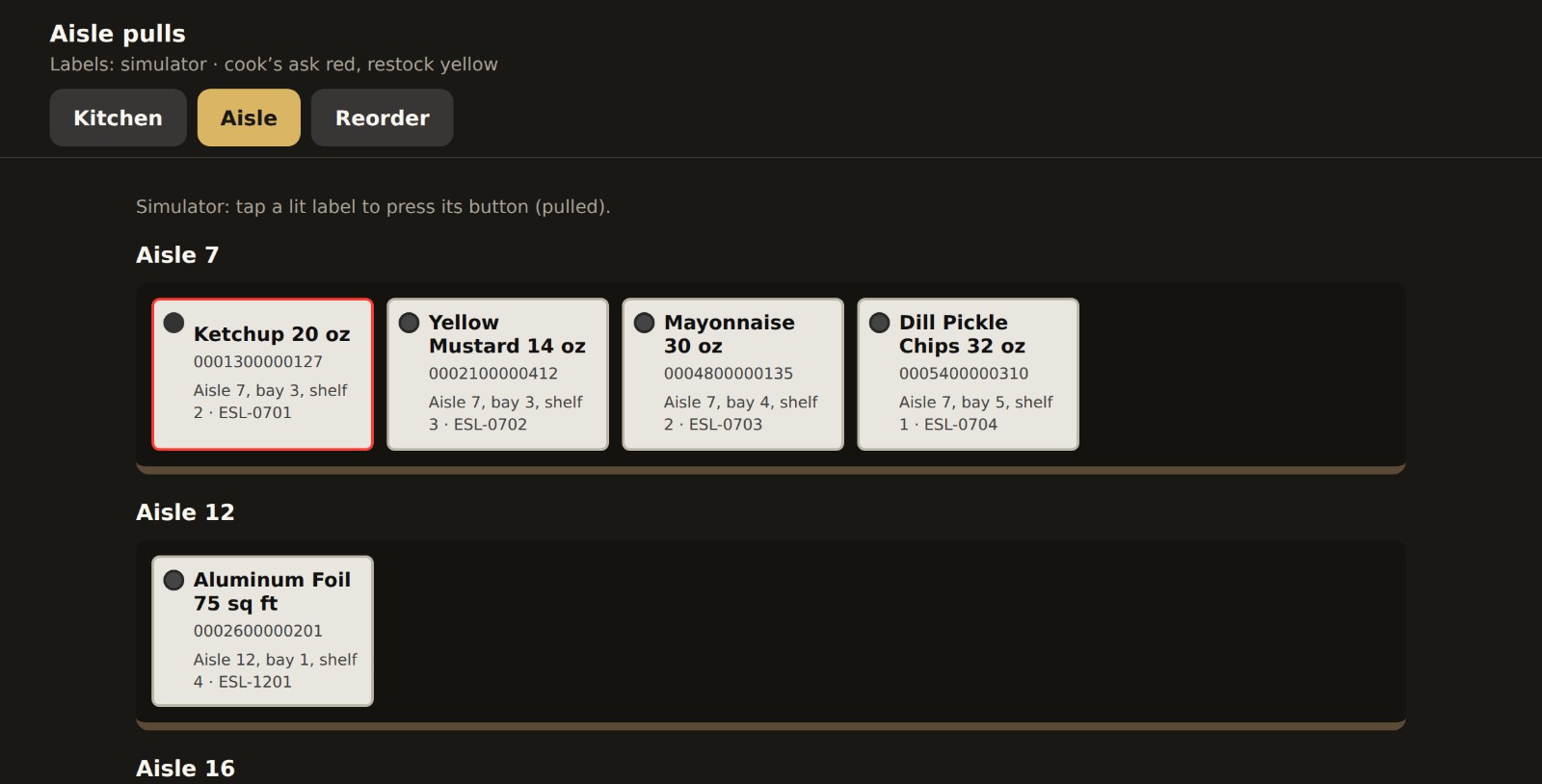
Shown with CHEF's label simulator.
Doors, lights and power
Which doors are open and for how long, how long the walk-in light has been on, and what every circuit draws. CHEF suggests what to do, and a person decides.
More about equipment and the building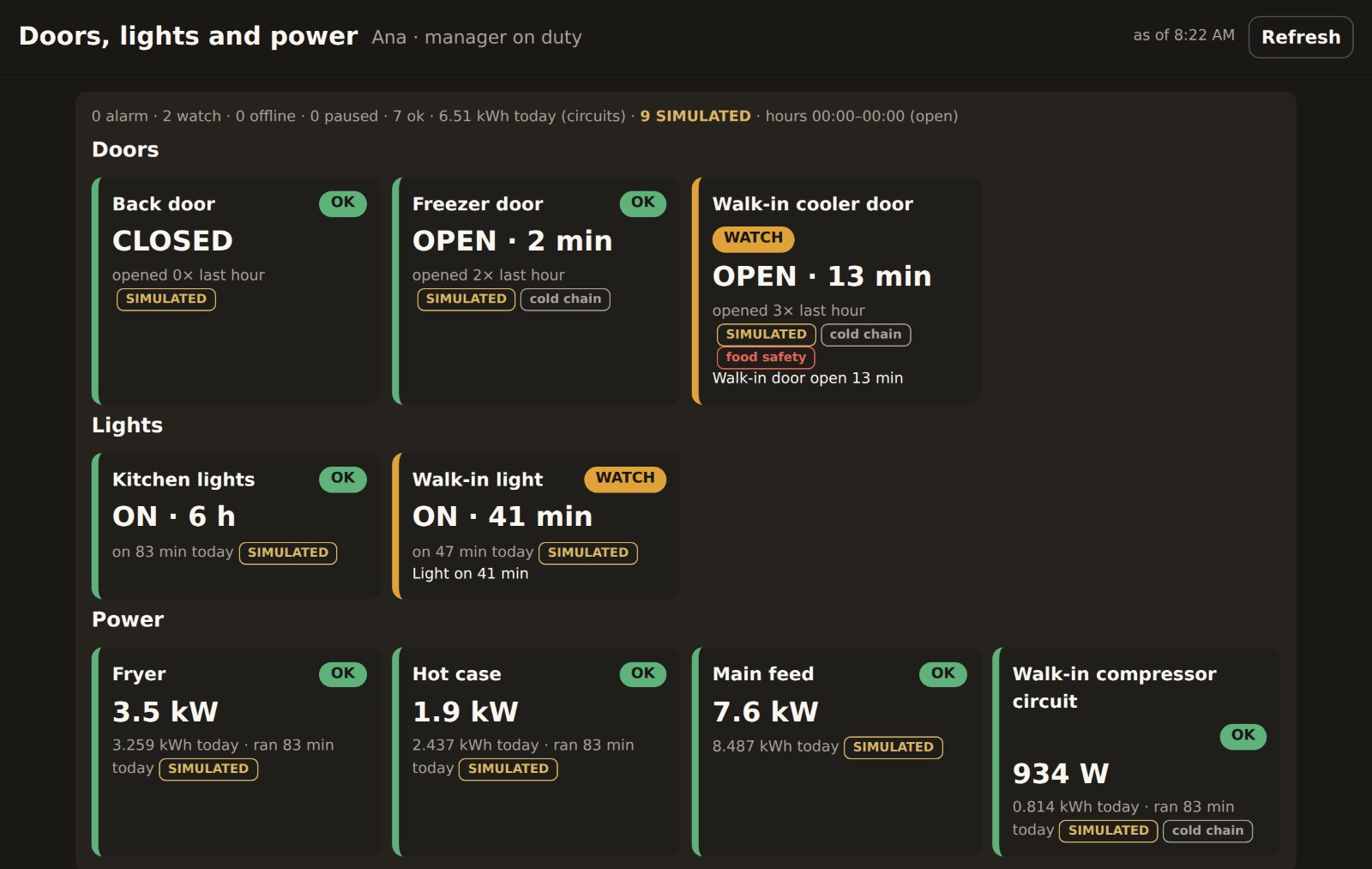
Shown with simulated sensors.
Your checklists, the way you run them
Every kitchen opens, receives, cools and closes its own way. Write those routines into CHEF step by step, and the crew work them on the screen or on their phones.
Build it
A step can be a check, a reading with an allowed range, a typed answer, or a link to the stock count.
Hand it out
Put a QR code on the screen. The crew scan it, sign in with their PIN and pick up their tasks.
Nothing slips
A reading out of range stays open until someone notes what they did.
Managers build these in CHEF's workflow builder: steps, limits, corrective actions, due times and manager sign-off.
A day on CHEF
Open
The opener punches in with a PIN and starts the opening checklist. The crew scan the QR code and grab their tasks.
Receive and prep
Snap the supplier invoice, check each line, and it becomes stock on hand with prices. The prep list prints, and a run of 30 sandwiches scales the recipe and keeps a clock on anything sitting out of temp.
Load the line
Tenders get probed and go into hot-hold. The batch carries the temp it went in at.
Rush
Kiosk, counter and online tickets come into the same lanes. Every sale draws hot-hold down, and the guest board shows each order as preparing or ready.
Close
The crew count the walk-in from their phones, finish the closing checklist, and the end-of-day sheet prints with every temp, waste entry and punch already on it.
Records that hold up
When the inspector asks what happened, the record has to answer. These rules are built into CHEF and covered by its tests.
Nothing gets quietly edited
Punches, temp logs, hot-hold and stock movements are append-only. A correction is a new entry next to the old one, and changing a checklist tomorrow leaves today's record as it was.
Your limits
Hot-hold times, probe targets and equipment limits start as labelled placeholders until an owner confirms them from the kitchen's own food-safety plan. CHEF never claims a legal limit.
No green it can't back up
If a check wasn't done, CHEF says "not checked" and why.
A person decides
A price suggestion waits for the owner. A scanned invoice waits for someone to confirm each line. Ask CHEF can offer a button, but only a person's tap runs it.
No unpaid ticket on the line
Online orders reach the kitchen after the card is authorized. Kiosk and counter tickets are marked pay-at-front until the register settles them.
Guests see only what they should
Order boards show a ticket number and a first name. Ask CHEF never sees wages, PINs or customer details.
Who keeps it running
Screens, printers, probes, cooler sensors, servers and an AI model. That's a lot of equipment to watch. Seven watches it.
Seven is a blended intelligence, which means people and AI working together. The AI watches every part of CHEF's software and hardware around the clock, and the people behind it make the calls and answer for them. It installs CHEF, applies updates and security fixes, checks the backups every day, and starts on a screen or sensor the moment it goes quiet.
Recipes, prices, schedules and your hold, probe and equipment limits stay yours to set. Seven keeps the system healthy. It doesn't run your kitchen.
CHEF is licensed to the kitchen. Your data and your hardware stay yours.
It started on a food truck
CHEF grew out of the ordering and kitchen-display software we built for food trucks.
It's built from what we've learned running our own kitchens and working with others over the years, and from food businesses like Where's The Foodtruck and Rolling Menus. The rush, the steam table, the temp log and the end-of-night count shaped how it works.

Where CHEF is headed
Kitchen equipment keeps getting smarter. Here's what's on the way, and where each piece stands.
- Bluetooth sensors and probe wands. Coolers and hot wells report on their own, and a probe reading lands in the right log with one tap.Built, being fitted to hardware
- Connected combi ovens such as the RATIONAL iCombi Pro, taking programs from the recipe and reporting back what they cooked.Planned
- Electronic shelf labels. A cook calls for ketchup on the kitchen display, the label on the shelf flashes, and the runner goes straight to it. Labels show pars, and reordering can build itself from pars and usage.Built · tested with a label simulator; vendor connections next
- Walk-in, doors and power. How long the walk-in light's been on, which doors are open, and what each unit draws.Built · tested with simulated sensors
- Badges and door access. A badge that signs you in at a station, and a door that opens for crew on shift.Planned
- Recipe protection, order ahead and tap to pay. Controls to keep recipes from being copied out, scheduled pre-paid pickups, and card payments on the kitchen's own phone.Planned · recipe versioning built
See CHEF before you install anything
The demo is a working sandbox with sample data. Ring in a kiosk order, cook it on the kitchen display, sell down hot-hold and clock someone in. When you're ready, tell us how your kitchen runs and we'll set CHEF up around your screens, printers, food-safety plan and menu. Write to [email protected].