

Platform / Task board
Task board
Hand out the shift's work with a QR code.
The lead opens a task board on the kitchen screen and gets a short code and a QR. Crew scan it, type the PIN they clock in with, and they're on the board. The lead hands out jobs, and crew tap Start and Done on their own phones.
Where tasks come from
Pull in the unfinished steps of today's checklists, add a one-off job, or set up a job that repeats every day or every weekday.
- A task can have a station, a due time in the site's local time, and a priority.
- Recurring jobs are copied into each day's board once, when the board starts.
Handing it out
Assign one task at a time, split them evenly across who's here, or leave a task open for whoever takes it first.
- Assign evenly is a button with a confirm. It never happens on its own.
- Only crew who are clocked in can be given work or take it.
- Reassigning is fine. The earlier assignment stays in the history.
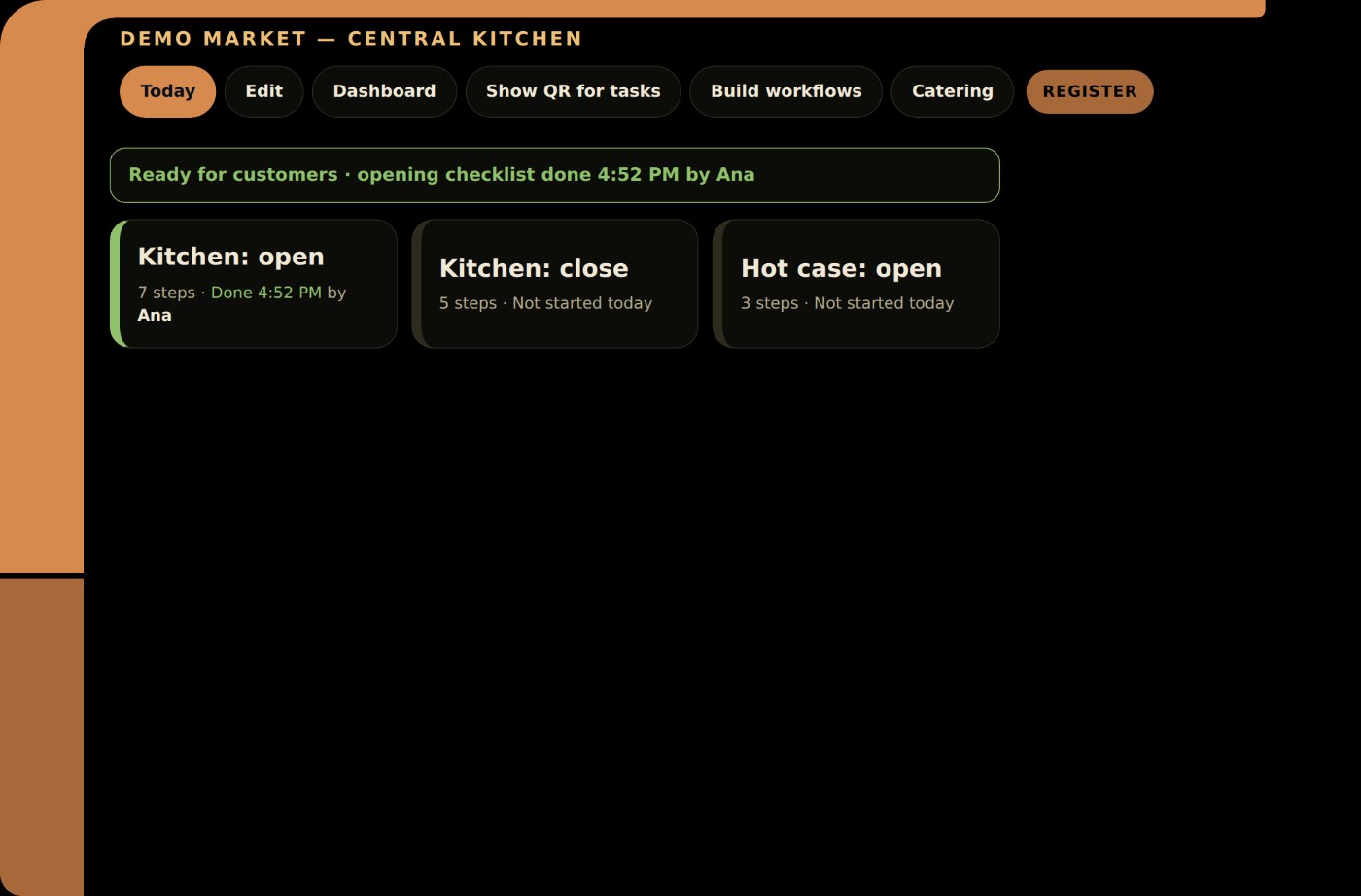
CHEF screen, sample data. Click to see it full size.
On the crew phone
Each person sees their own tasks and the open pool, with big buttons. Readings get a number pad. Skipping needs a note.
- A checklist task writes to the checklist record, so there's one source of truth.
- An out-of-range reading is recorded red, and the task stays open until it has a note or a good reading.
When someone clocks out
Their open tasks go back to the pool with a visible note, such as "Returned to pool: Sam clocked out". Nothing is dropped quietly.
How it works
The lead taps Show QR for tasks, starts the board and enters their PIN.
Crew scan the QR and join with their own PIN.
The lead imports checklist steps or adds tasks, then assigns them or opens them to anyone.
Crew start and finish tasks on their phones; checklist steps land in the checklist record.
The board ends at the end of the local day, or after a length the lead sets.
What you can change
Board length
Ends at midnight in the site's time zone by default, or after a fixed 1 to 24 hours the lead sets.
Recurring jobs
Jobs that repeat every day or every weekday.
Task details
Station, due time, priority, and whether a task is assigned or open to anyone.
Who leads
Any position flagged as a manager position can run the board.
Site time zone
Due times and the end of the day follow the site's own time zone.
Rules CHEF holds to
A scan proves nothing
The PIN is the identity. Wrong PINs hit the same five-tries, five-minute lock as the clock, and code guessing is throttled.
Leads are checked live
Lead actions need someone clocked in at a manager position, checked on every action. A lead who clocks out loses the power.
First names only
Shared screens show first names. Crew see only their own tasks and the pool. Skip notes, wages, phones and PINs never appear on the board.
The summary is about workload
The shift summary counts how the work was spread: on time, late, skipped, returned. It does not rate anyone.
Coming
- Overdue, unclaimed high-priority and late-opening warnings on the bridge (written and tested, not yet connected)
- Printing a task list
- A screen to list and remove recurring jobs
- A first run on real crew phones
Try CHEF in your browser
The demo runs on sample data, with nothing to install. Or write to [email protected] and tell us how your kitchen runs.