

Platform / Self-hosted CHEF
Self-hosted CHEF
CHEF on a box in your kitchen or your data center, installed with one command.
CHEF can run on your own hardware. The database, photos, backups, keys and the local AI model all live on a Linux box you control. Running the kitchen does not depend on anyone's cloud.
One command to install
On a Debian or Ubuntu box, one install command sets everything up. It uses Docker if you have it, or runs directly with a system service if you don't. Running it again upgrades in place, after taking a verified backup.
- Prints the screen and manager links when it finishes
- Never overwrites your settings file
- Applies each database update once
Local AI on CPU or GPU
The installer picks a model for the box it finds.
- A CPU box (4+ cores, 16 GB RAM, SSD) runs a small model. Answers are slower.
- An NVIDIA GPU with 12 GB or more runs a larger model with faster answers.
- Or install with no model. Everything else works.
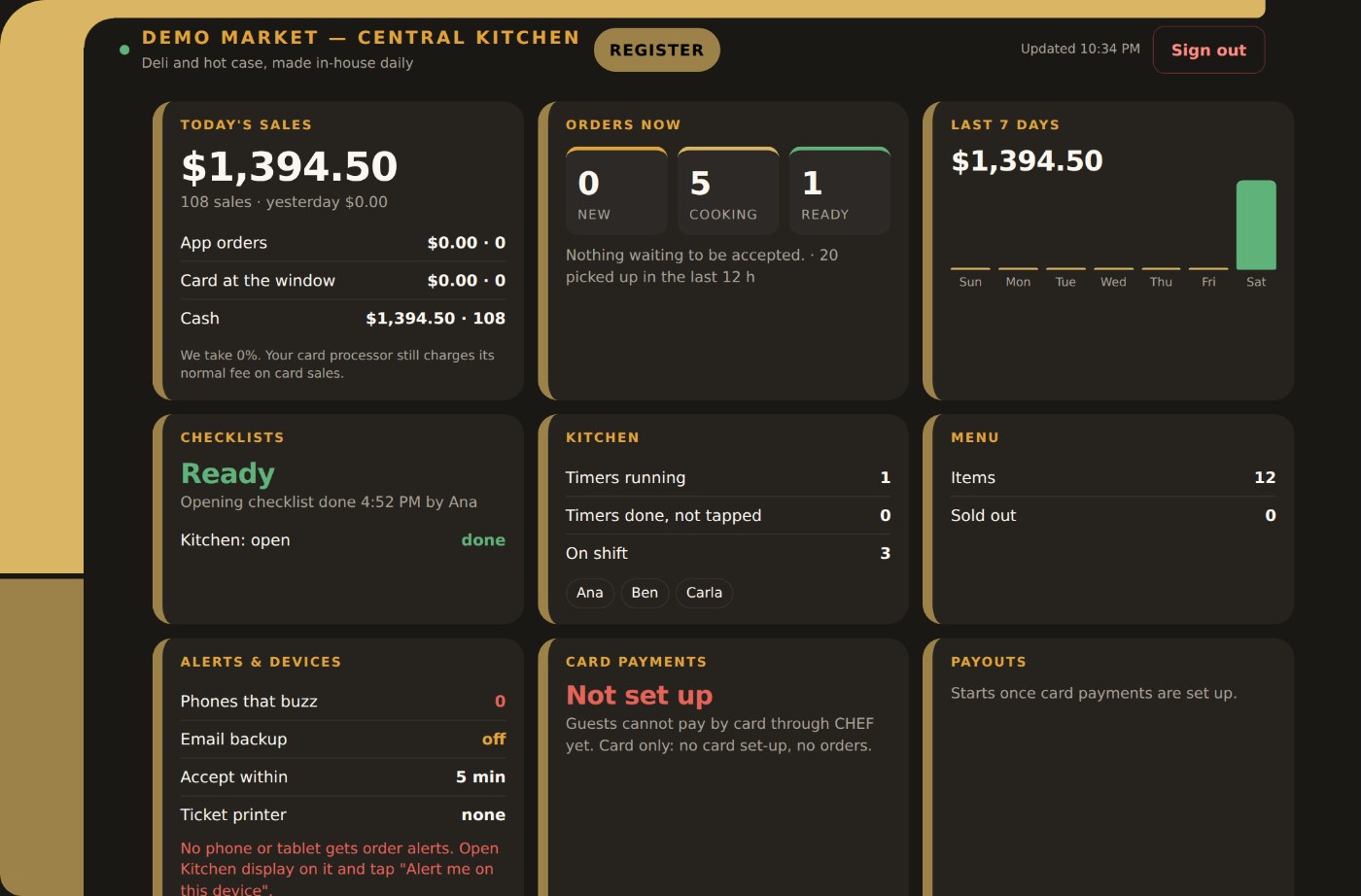
CHEF screen, sample data. Click to see it full size.
Backups that are checked
Every day CHEF backs up the database and photos. A backup only counts once it has been reopened, passed an integrity check, and matched the live row counts. Point it at a second disk or a NAS and each one is copied there and checked again.
Who owns what
Your hardware and your data are yours, and a backup is a plain database file plus a photo folder you can take anywhere. CHEF itself is licensed to you.
Every screen, one list
A Screens page lists every box serving the kitchen, built from the box's own last check-in.
- Working, needs a look, down or never reported, in words; silence is never shown as green
- A box that moves to a new network is found by name
- Restart a screen or reboot a box with a crew PIN, recorded with who asked
- The box calls out; nothing connects in, so a store network needs no open ports
- A request not picked up within 15 minutes is never sent late
How it works
Your IT person runs the install command on a mini PC in the office.
It prints the links. Tablets on the line open the kitchen screen; the manager opens theirs.
Overnight, CHEF takes its daily backup, verifies it, and copies it to the NAS.
In the morning, the status command shows the server healthy, the newest backup and its age, and whether the local model is answering.
What you can change
Docker or not
Install with Docker, or run directly on the box with a system service.
Which model
Let the installer choose, or pick the CPU model, the GPU model, or no model.
HTTPS
Put HTTPS in front with its own private certificate, a public certificate for a real name, or your own certificate files.
Name and port
Set the name tablets use to reach CHEF and the port it listens on.
Backup time and count
Choose when the daily backup runs (03:30 by default) and how many to keep (30 by default).
An off-box copy
Point backups at a second disk or NAS and each verified backup is copied there and checked again.
Internet features
Card payments, push alerts, email and text alerts, menu sync and hosted Ask CHEF are each off until the site turns them on.
Rules CHEF holds to
Restore is careful
A restore refuses a backup that fails its check, refuses while the server is running, and sets the current data aside instead of deleting it.
Hosted AI stays off
The local model is the default. A hosted model is used only if the site deliberately turns it on.
Internet only where it has to be
Card payments, phone push alerts, email and text alerts, and menu sync need the internet by their nature. Each is off until the site turns it on.
Same code as the cloud build
The self-hosted server runs the same compiled code as the cloud version, on SQLite.
Size the box first
We have not timed the models on a specific CPU box yet, so we size the hardware with you before talking about response times.
Try CHEF in your browser
The demo runs on sample data, with nothing to install. Or write to [email protected] and tell us how your kitchen runs.